
Delta iOS
Your Roblox script workspace for iPhone and iPad.
 Direct Install (Recommended)
 Download IPA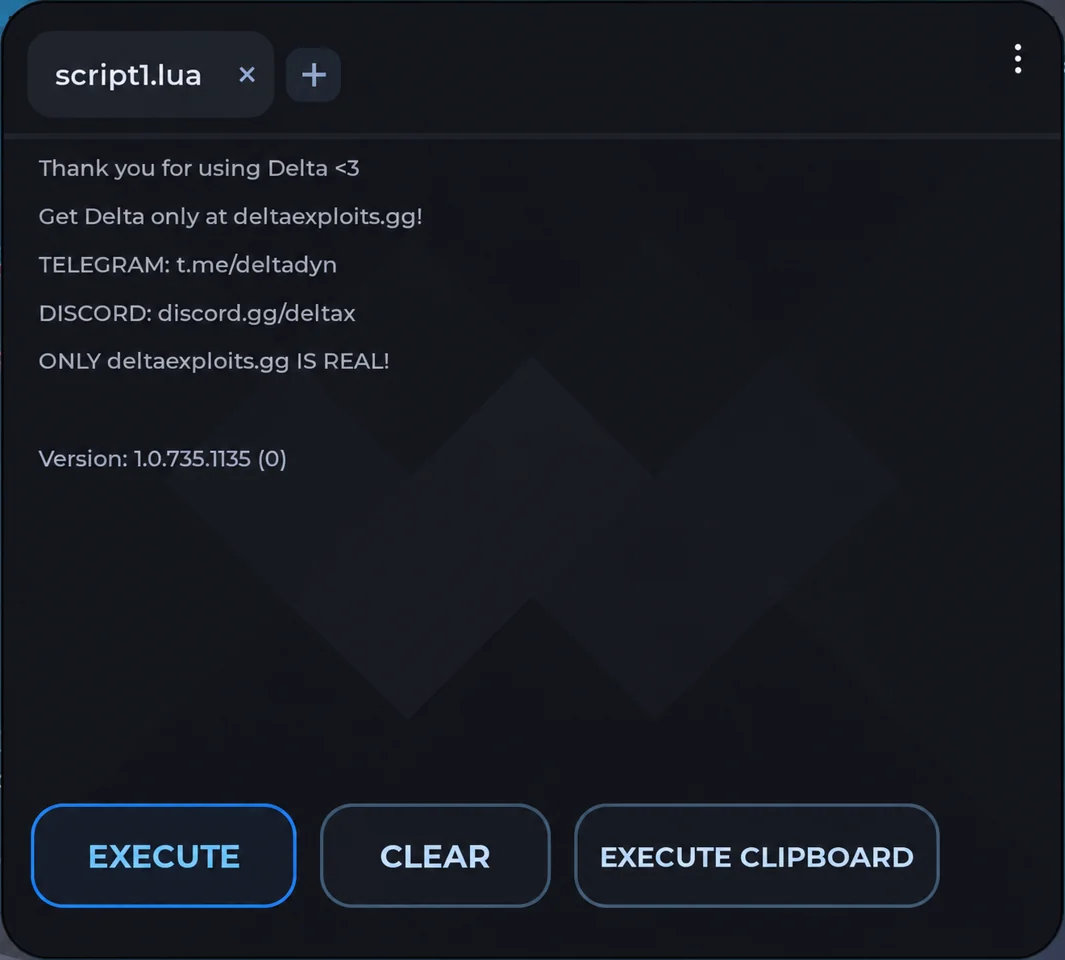

Introduction
What Is Delta Executor iOS?
Delta Executor iOS is a third-party tool designed to execute Lua scripts in Roblox games on Apple devices. It provides a script editor where you can enter custom scripts and run them through the executor.
You can also explore the built-in script hub to find available scripts without manually searching for them.
Delta supports different Roblox experiences, although script compatibility depends on the game and the executor version. Since Roblox frequently releases updates, some scripts may stop working until a compatible version becomes available.
Delta iOS – App Information
Here are the basic details about the iOS version of Delta Executor.
| Details | Information |
|---|---|
| App Name | Delta Executor |
| Platform | iOS / iPadOS |
| File Format | IPA |
| Supported Devices | Compatible iPhones and iPads |
| Price | Free access available |
| Jailbreak Required | No, for supported sideloading methods |
| Installation | IPA Sideloading / Direct Install |
| Key System | Required for standard free access |
| Latest Version | Depends on the current release |
Delta iOS Screenshots
Interface previews based on recorded iPhone tutorials. Appearance may vary by release.
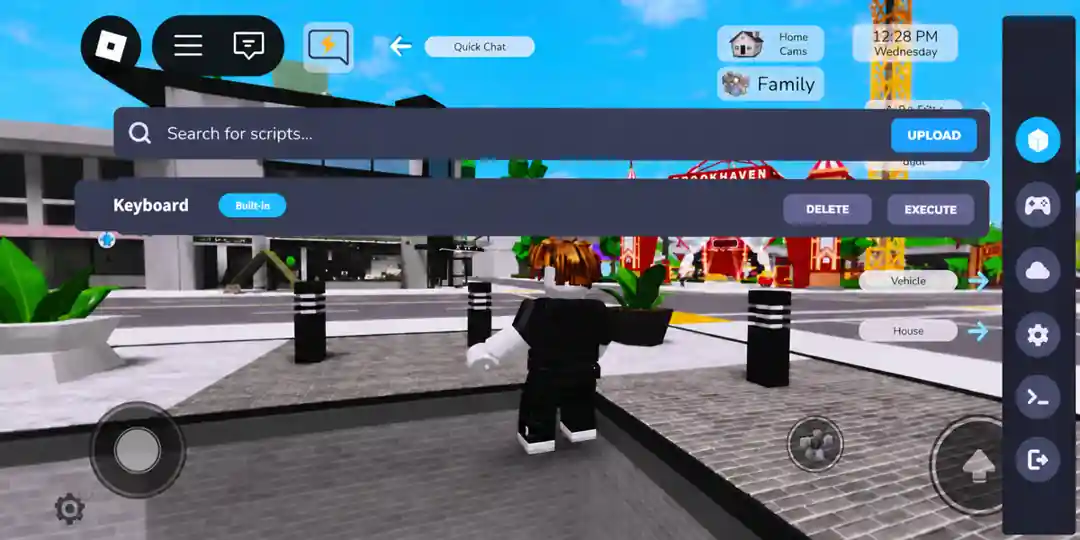
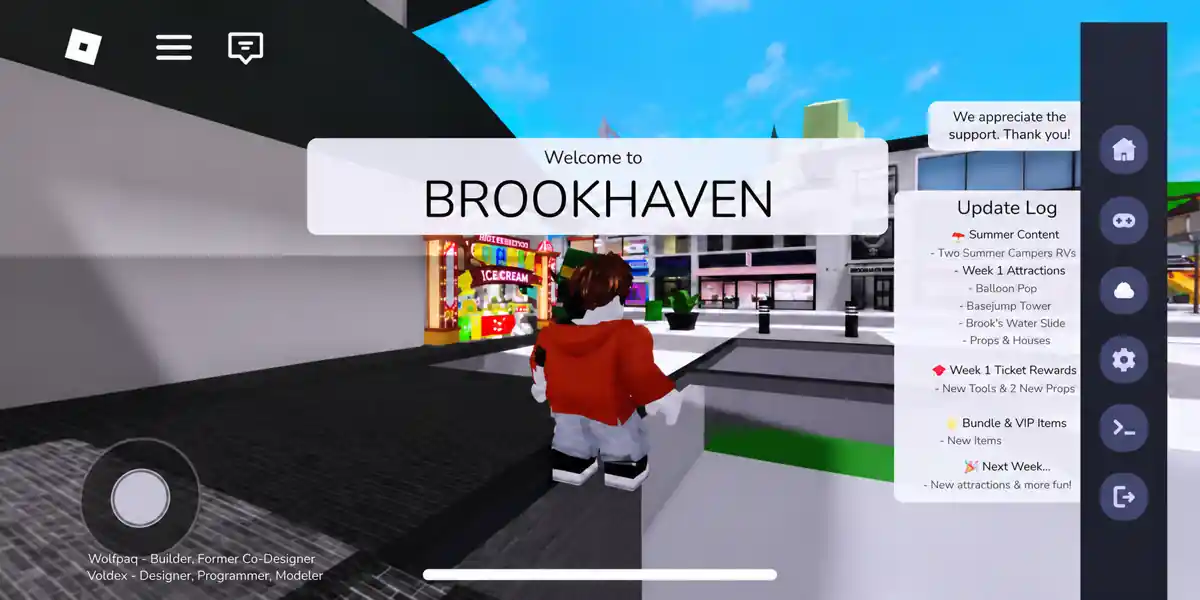
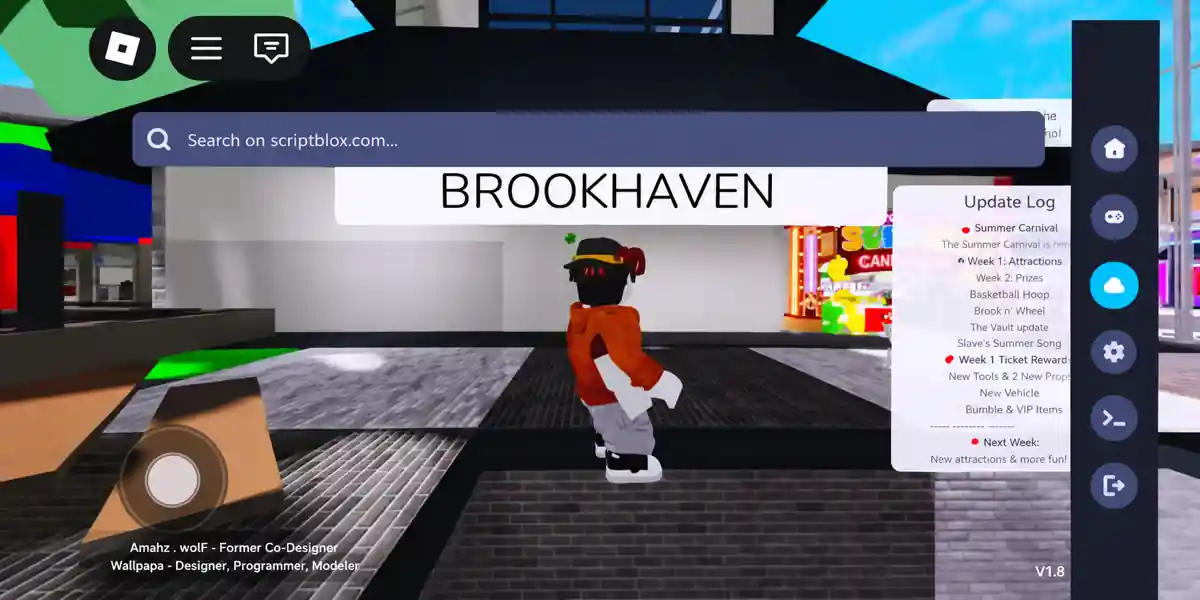
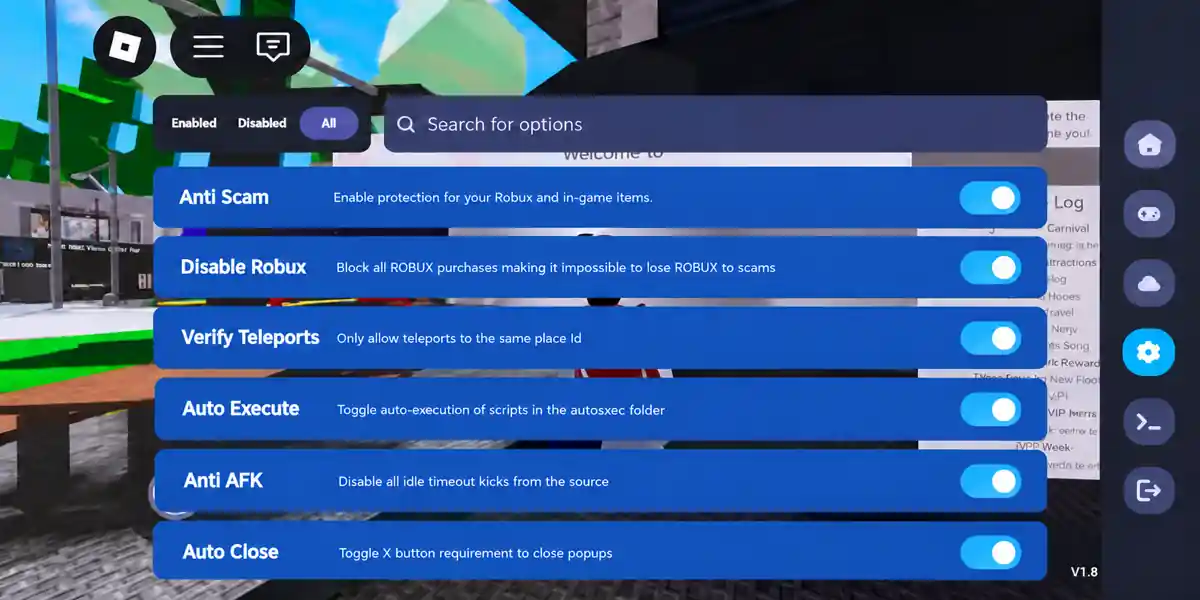
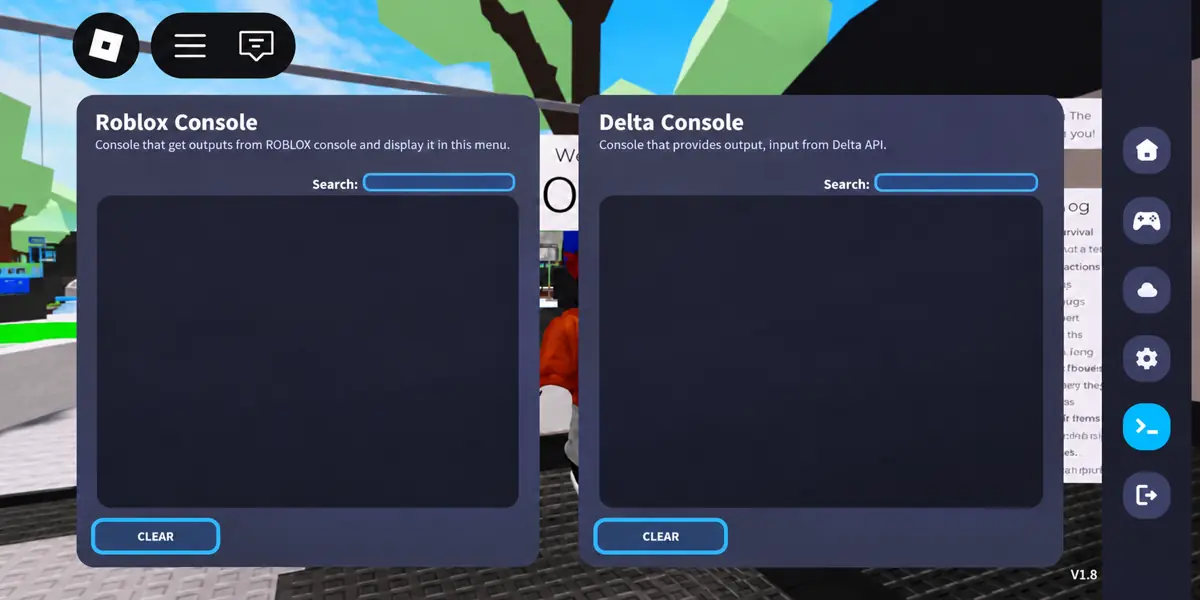
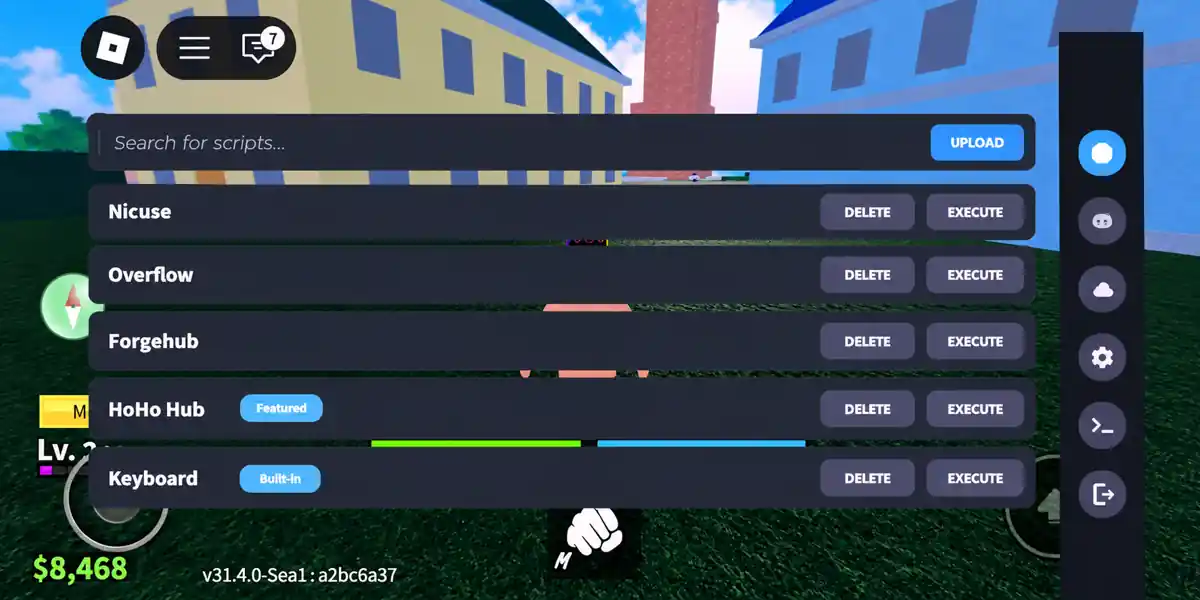
Inside Delta for iOS
Features of Delta iOS
Delta includes several features that make it easier to work with Roblox scripts on mobile devices.
1. Lua Script Execution
Delta allows you to execute supported Lua scripts in Roblox games. Simply paste your script into the editor and select the Execute option.
Script compatibility varies depending on the game, Roblox updates, and the functions used in the script.
2. Built-In Script Hub
With Delta's script hub, you can browse available scripts without having to search for them separately.
This is particularly useful if you prefer selecting scripts directly from the executor instead of copying and pasting code every time.
3. Mobile-Friendly Interface
Delta has a touchscreen-friendly interface that lets you access the script editor, execution controls, and other features on your iPhone or iPad.
You can navigate through the available options without needing a separate keyboard or mouse.
4. Support for Multiple Roblox Games
Delta is designed to work with scripts across different Roblox experiences. However, not every script supports every game, and some may become outdated after updates.

5. Free Key System
The free version of Delta uses a key-based verification system. You need to generate a valid key and enter it into the application to unlock its features.
Once your key expires, you may need to complete the process again.
6. Compatibility Updates
Roblox updates can affect third-party executors. Delta receives updates intended to address compatibility issues, fix bugs, and improve script execution.
It's recommended to use a version that supports the latest Roblox release.
Delta iOS
Delta IPA 2.743.1136 · 149.4 MB
How to Download and Install Delta iOS
Installing Delta Executor on iOS is different from Android because Apple devices require signed IPA files.
There are two common installation methods, depending on the tools available to you.
Method 1: Install Delta Using an IPA File
You can use sideloading tools such as Sideloadly or AltStore to install compatible IPA files on your iPhone or iPad.
- Visit the Delta developer's website and find the iOS download section.
- Download the available Delta Executor IPA file.
- Install a compatible sideloading tool on your computer.
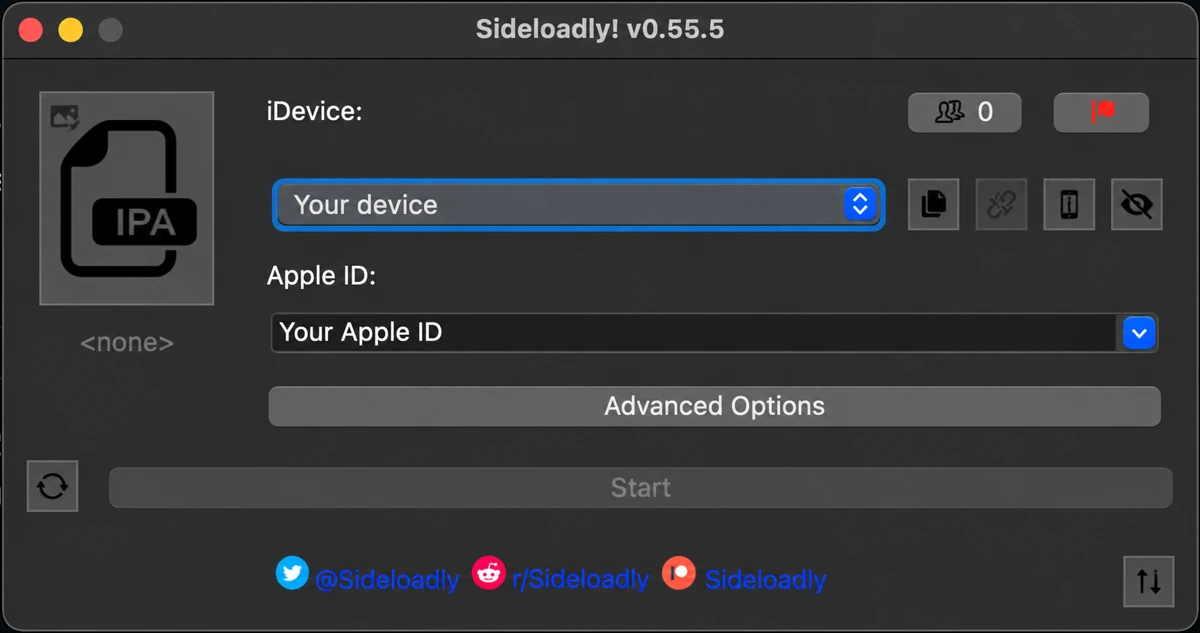
- Connect your iPhone or iPad if required.
- Select the downloaded IPA file.
- Follow the instructions to sign and install the application.
- Complete any required Developer Mode or developer trust settings.
- Open Delta Executor after installation.
If you're using a free Apple Account for signing, you may need to refresh the application after seven days.
Method 2: Install Delta iOS Without a Computer
Some distribution pages provide Direct Install options that let you install applications using compatible signing services.
If a working option is available, follow these steps:
- Open the supported installation page in Safari.
- Find the iOS Direct Install option.
- Follow the installation instructions.
- Complete any required developer trust settings.
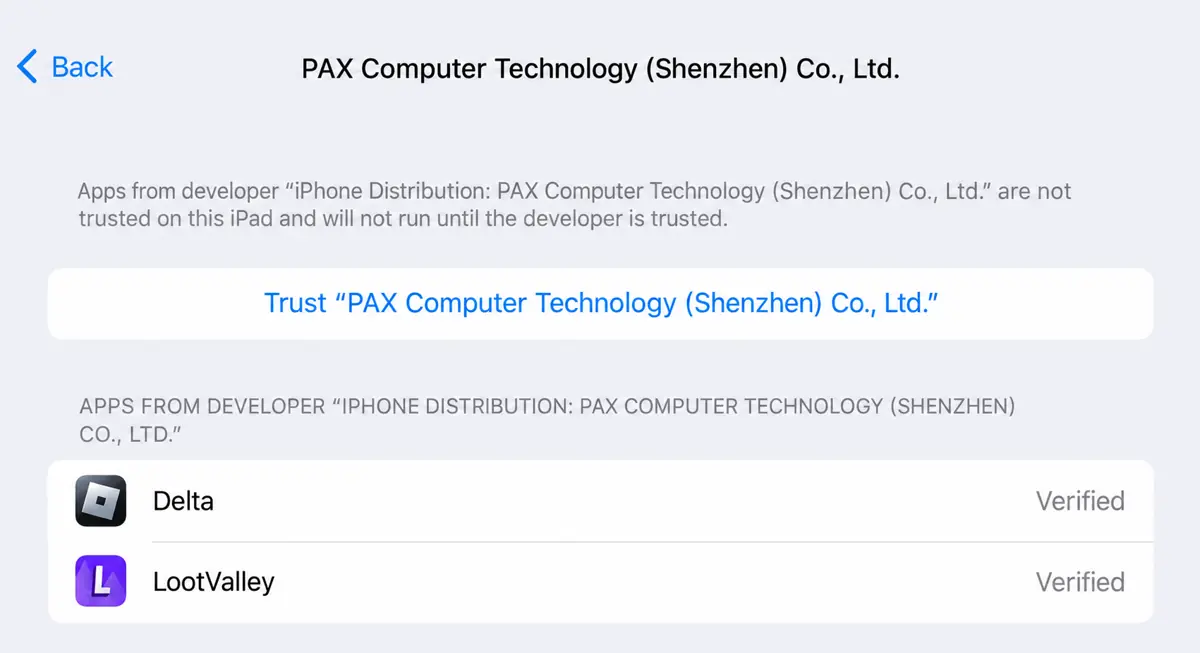
- Open the application once the installation finishes.
Direct installation depends on valid signing certificates. If a certificate is revoked, the installation method may temporarily stop working.
Avoid installing unknown configuration profiles or sharing your Apple Account credentials with unverified services.
How to Use Delta on iPhone
Once Delta is installed, you can access its script execution features through the application interface.
- Launch Delta Executor on your iPhone or iPad.
- Sign in to Roblox if prompted.
- Open the Roblox game you want to play.
- Access the Delta menu using its on-screen control.
- Enter your Delta key if required.
- Open the script editor or select a script from the hub.
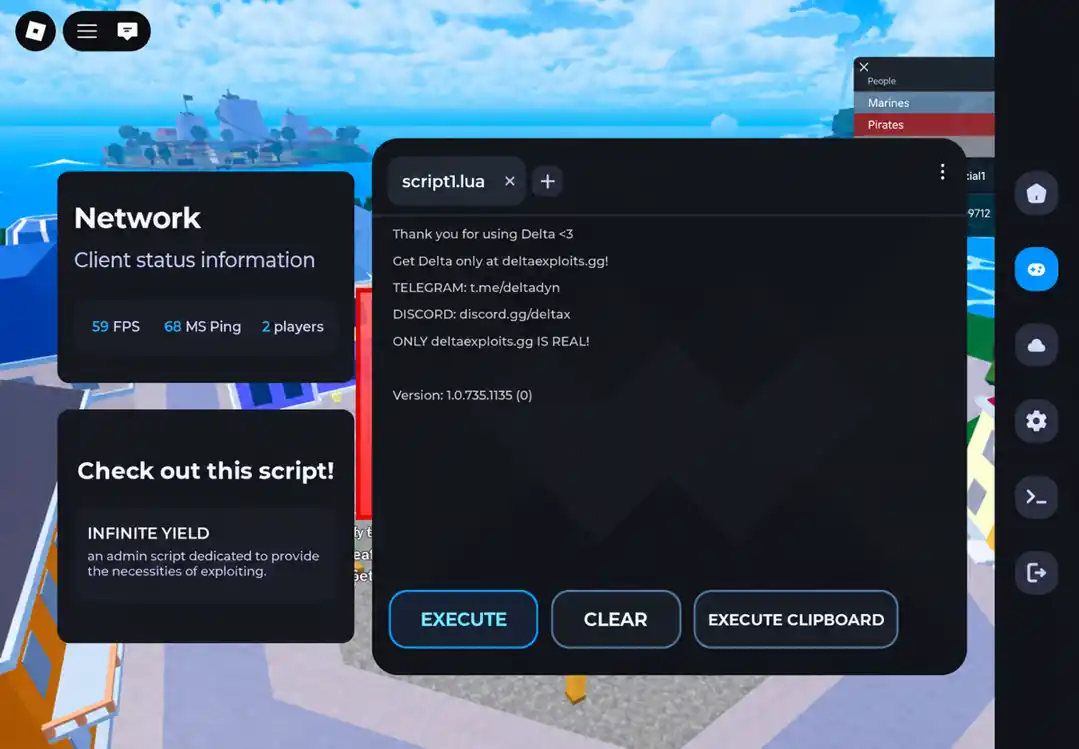
- Tap Execute to run the selected script.
If a script doesn't work, check whether it supports your current game and Delta version.
Remember that running third-party scripts may violate Roblox's rules and can put your account at risk.
How to Get the Delta iOS Key
Delta uses a key system to provide access to its free features. If you're prompted to enter a key, you can obtain one through the application.
- Open Delta Executor and select Receive Key.
- Follow the link to the key-generation page.
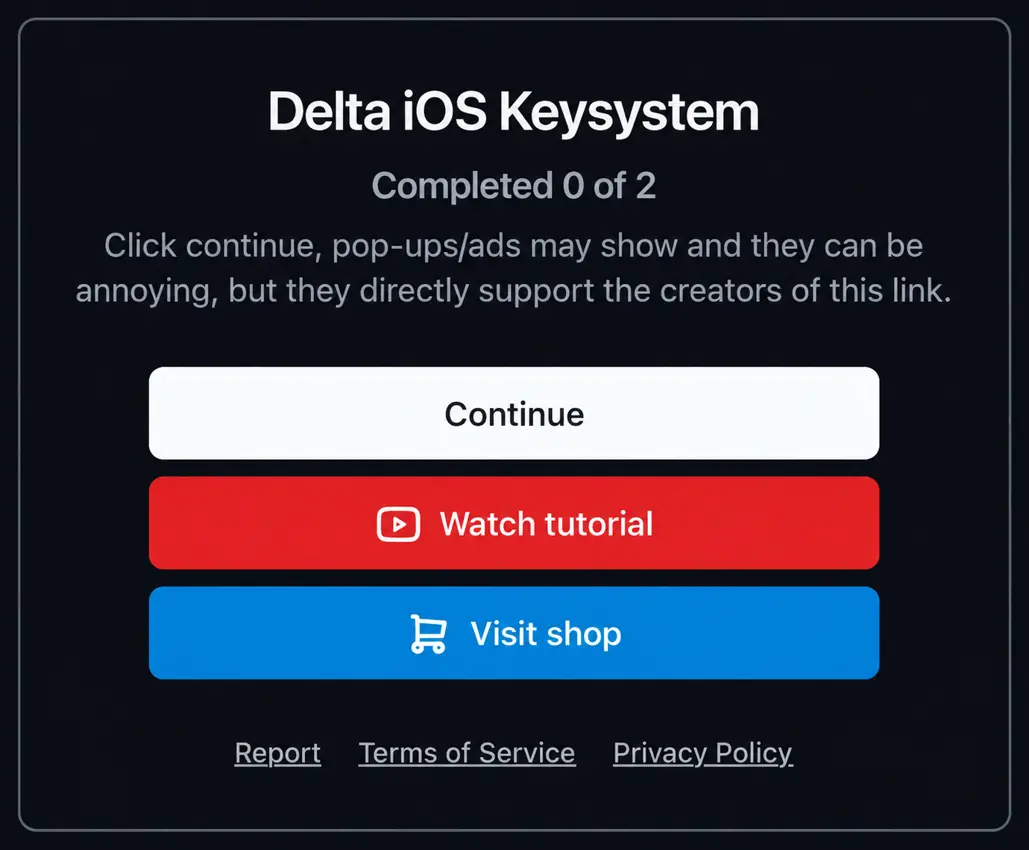
- Complete the required verification steps.
- Copy the generated key.
- Return to Delta and paste the key into the verification field.
- Submit the key to unlock access.
Keys may have limited validity. If your key expires or stops working, you'll need to generate another one through the official verification process.
Delta iOS vs Android
Both versions offer similar script execution features, but their installation requirements are different.
| Feature | Delta iOS | Delta Android |
|---|---|---|
| File Format | IPA | APK |
| Supported Devices | iPhone, iPad | Android phones, tablets |
| Installation | Sideloading / Direct Install | APK Installation |
| Script Editor | Yes | Yes |
| Script Hub | Available | Available |
| Key System | Generally required | Generally required |
| Jailbreak / Root | Not normally required | Not normally required |
| Certificate Issues | Possible | Not typically applicable |
The main advantage of Android is its simpler APK installation process. On iOS, you may need additional tools to sign and install the application.
Common Delta Executor iOS Problems and Fixes
You may occasionally face installation errors, crashes, or script execution problems. Here are some common issues and their possible solutions.
Delta Executor Not Installing
This can happen due to an expired signing certificate, an incompatible IPA file, or insufficient storage.
Check your device compatibility and available storage. You can also try reinstalling through a trusted sideloading method.
Untrusted Developer Error
If your device displays an untrusted developer warning, open Settings → General → VPN & Device Management.
Check the developer certificate and only trust it if you've verified its source. Some sideloading methods may also require Developer Mode.
Delta Executor Keeps Crashing
Crashes may occur when Delta is outdated or incompatible with the current Roblox version.
Check for a compatible update. If the issue continues, reinstalling the application from a verified source may help.
Delta Executor Key Not Working
If your key is rejected, it may have expired or been entered incorrectly.
Generate a new key using the verification link provided inside Delta and copy it carefully.
Scripts Not Executing
Some scripts may stop working after Roblox updates or may not support certain games.
Make sure the script is compatible with your current game and executor version.
Is Delta iOS Safe?
Delta Executor is a third-party application, so it's important to consider the security risks before installing it.
The main concern is Roblox's policy on exploits and modified clients. Using Delta may result in account warnings, suspensions, or permanent bans.
For the lowest account and device security risk, use the official Roblox application from the App Store.
Frequently Asked Questions
Is Delta Executor available for iOS?

Yes, Delta has an iOS version distributed outside the App Store. Availability and compatibility depend on the current release.
Can I install Delta Executor iOS without jailbreak?
Yes. Compatible IPA files can be installed through supported sideloading methods without jailbreaking your iPhone or iPad.
Is Delta iOS free?
Delta offers free access through a key system. However, some third-party installation or signing services may charge fees.
Does Delta work on iPad?
Yes, Delta is intended for compatible iPhones and iPads. Make sure the IPA file supports your device and operating system.
Can I install Delta iOS without a PC?
Yes, if a compatible Direct Install service or on-device signing method is available. These options may depend on valid signing certificates.
Why is Delta Executor not working after a Roblox update?
Roblox updates can affect executor compatibility. You may need a newer Delta version that supports the updated game.
Can Delta Executor get my Roblox account banned?
Yes. Using third-party executors can violate Roblox's rules and may lead to temporary or permanent account restrictions.
Final Words
Delta iOS lets you run supported Roblox scripts on your iPhone or iPad through its built-in editor and script hub.
To get started, you'll need a compatible IPA file and a working installation method. Make sure you're using an up-to-date version, and check script compatibility if something isn't working.
As with any third-party executor, download files carefully and keep the potential security and account risks in mind.